FreeDom
Freedom
From the creators of the LazyOwn Redteam Framework: a free, open-source web browser written from scratch in pure C11, built on Zero Trust and Zero Knowledge. No telemetry, no backdoors, no implicit trust. What cannot be audited does not get in.
Freedom = Free (libre, open source) + DOM (and domain-level control). Freedom officially bans Google: its services cannot be implemented without telemetry, mandatory API keys or hidden solver workers.
Highlights
- Sandboxed tabs. Each tab is a fork+exec worker under seccomp-bpf with W^X,
Landlock and per-tab namespaces. It is undumpable and never touches the network
(
io_uringis blocked). - Post-quantum TLS by default. TLS 1.3 with hybrid
X25519MLKEM768on native OpenSSL 3.5+. Downgrades warn; authenticity is never relaxed. - Privacy by default. Third parties are blocked in the network engine. The browser
has an anti-fingerprinting identity, and JS, images and author CSS are opt-in per host
(
allow.conf/js.conf). Tor and I2P route at the socket level. - Own rendering engine. It has a CSS cascade with a rule index, plus flex, grid,
floats, margin collapsing, multicol,
@layer/@supports/media queries, custom properties, inline SVG, HarfBuzz shaping with local fonts, and image decoding inside the sandbox. - Sandboxed JS. QuickJS-ng with sealed bindings. ES modules and import maps run on trusted hosts, and network access is proxied through the parent, which re-applies policy.
- Agent-safe and agent-friendly. Deterministic headless mode with
--download-png,--dump-dom,--dump-layoutand--dump-console, plus an MCP server. - Tested and fuzzed. 66+ CMocka suites, ASan/UBSan, 20+ libFuzzer targets, and
measured parity against Firefox (
make parity,make wpt).
Quick start
git clone https://github.com/grisuno/FreeDom.git && cd FreeDom
sudo apt install libavformat-dev libavcodec-dev libavutil-dev libswscale-dev   # plus the Dockerfile deps
make
./build/freedom                                           # GUI (Wayland)
./build/freedom --download-png=page.png https://lobste.rs  # headless render
Docker + noVNC (recommended for a first try):
sudo docker build -t freedom-browser .
sudo docker run -it --name freedom-test -p 8080:8080 --cap-drop=ALL \
  --security-opt no-new-privileges:true --memory="2g" freedom-browser
# then open http://localhost:8080/vnc.html
Full instructions are in docs/USAGE.md.
Freedom vs Firefox
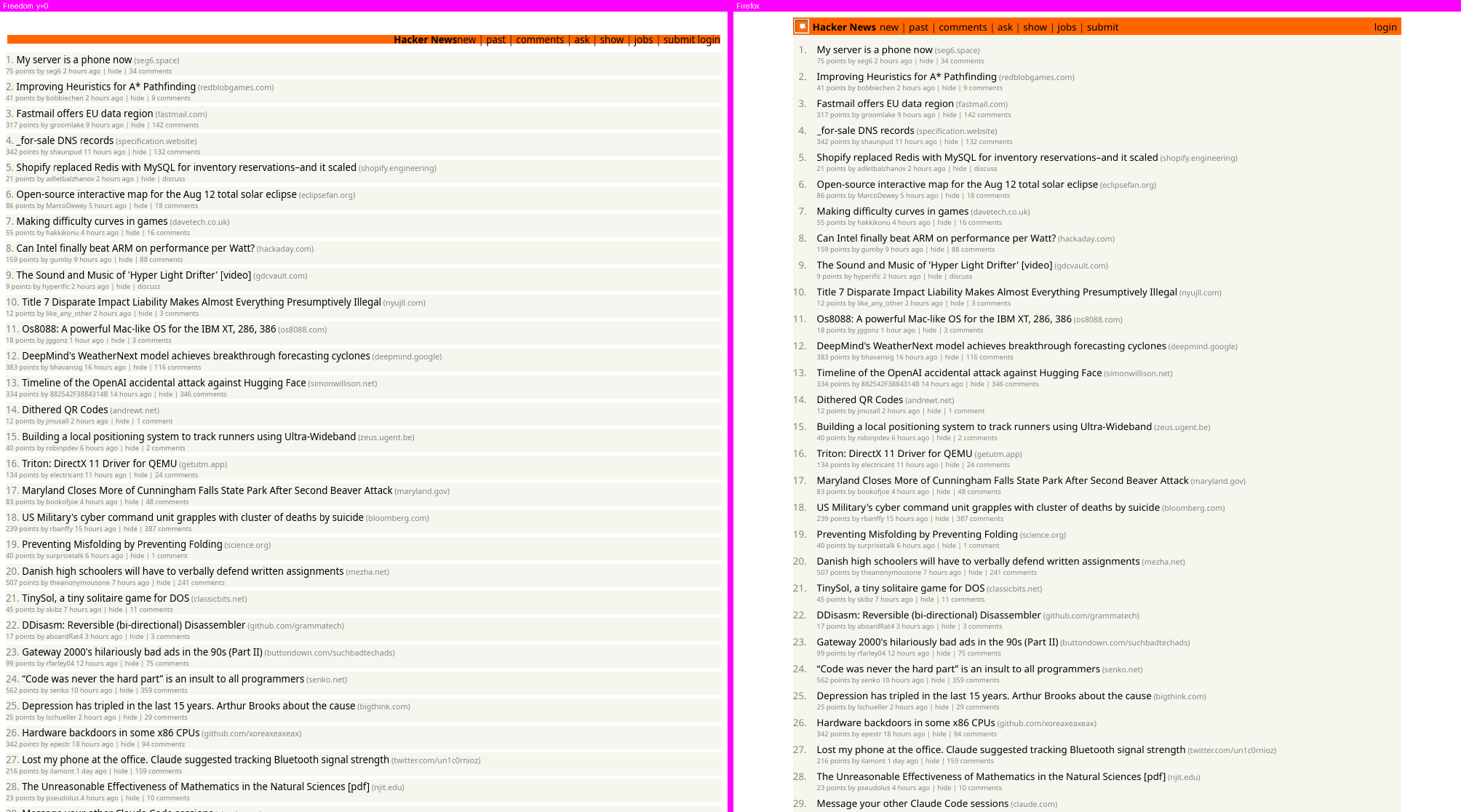
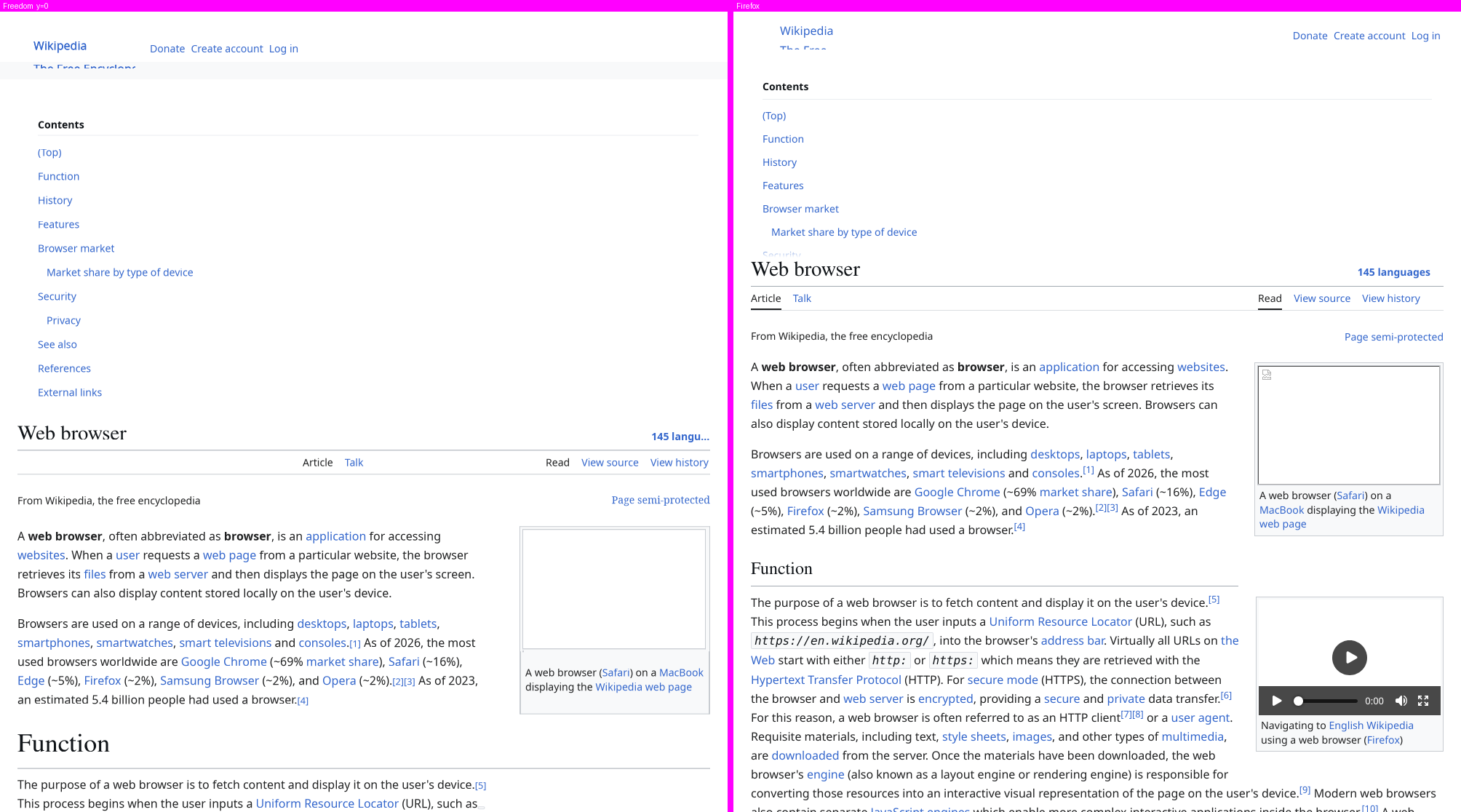
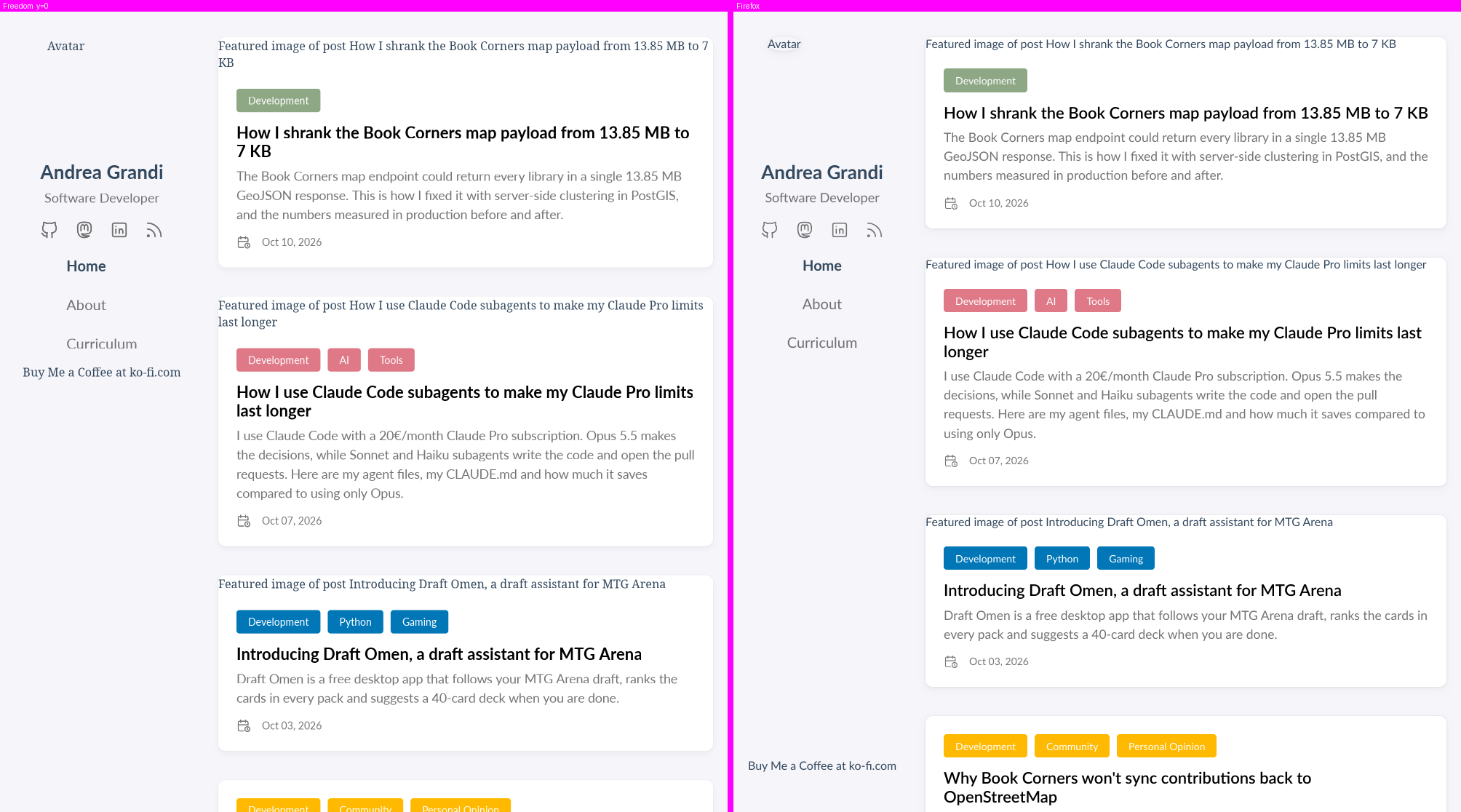
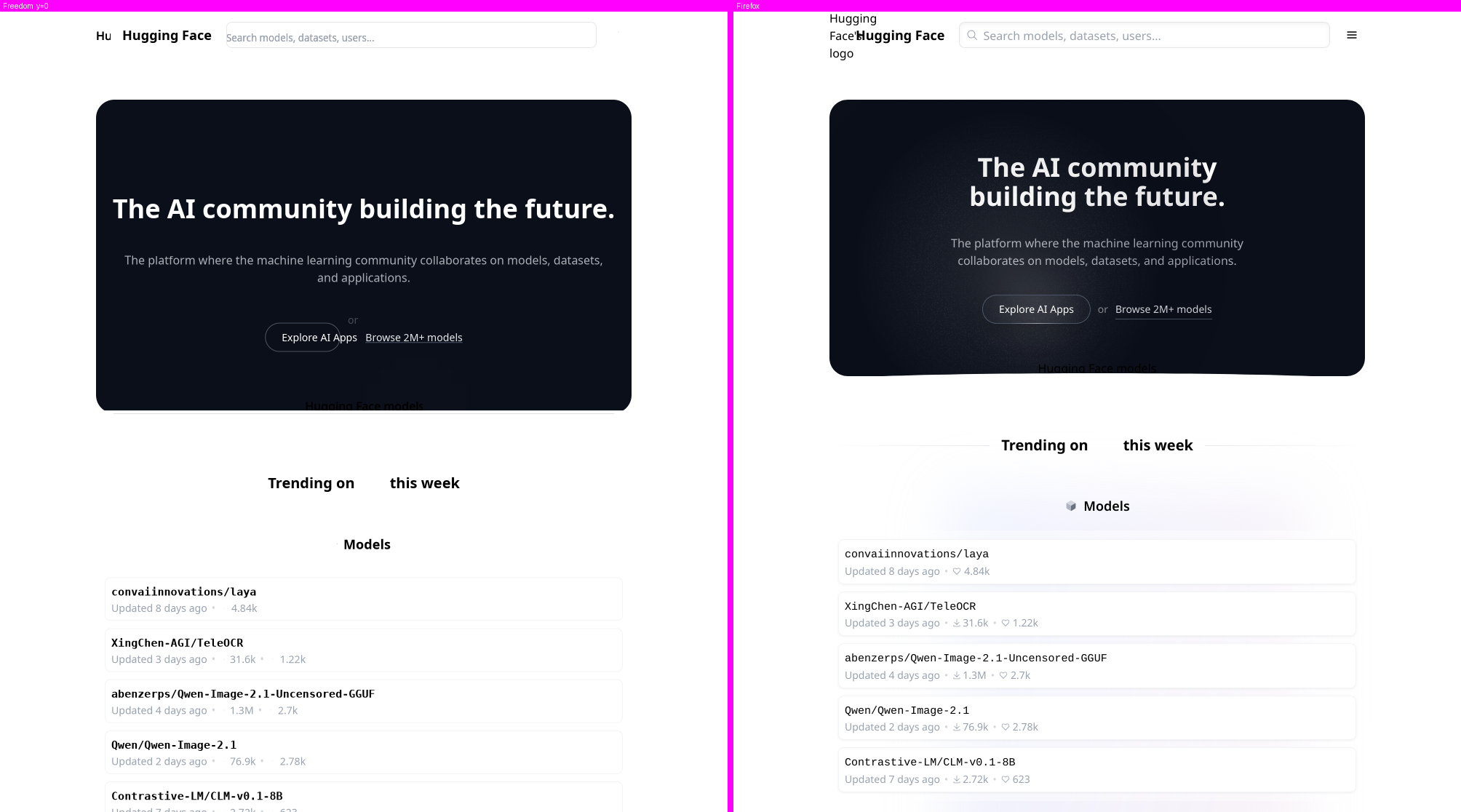
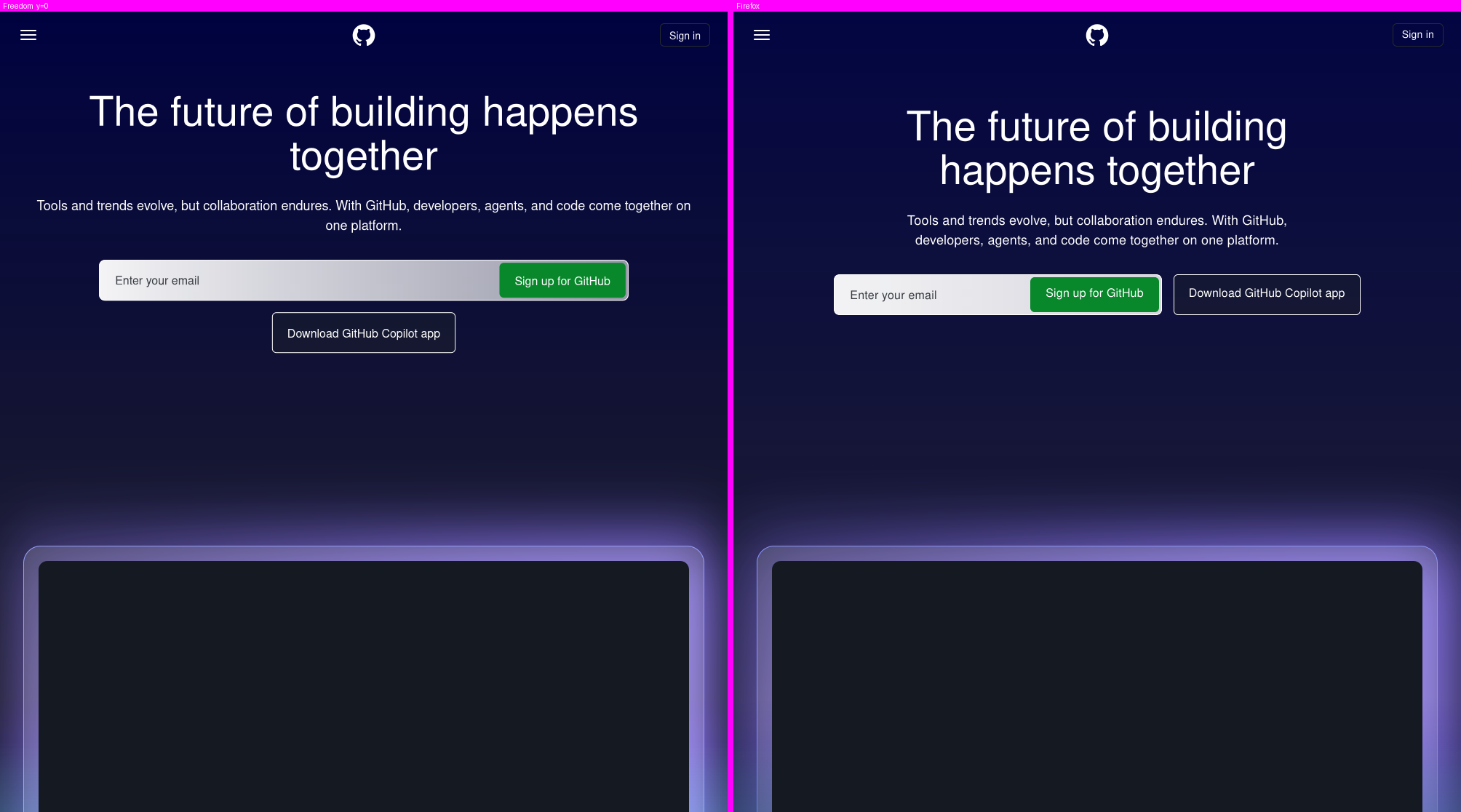
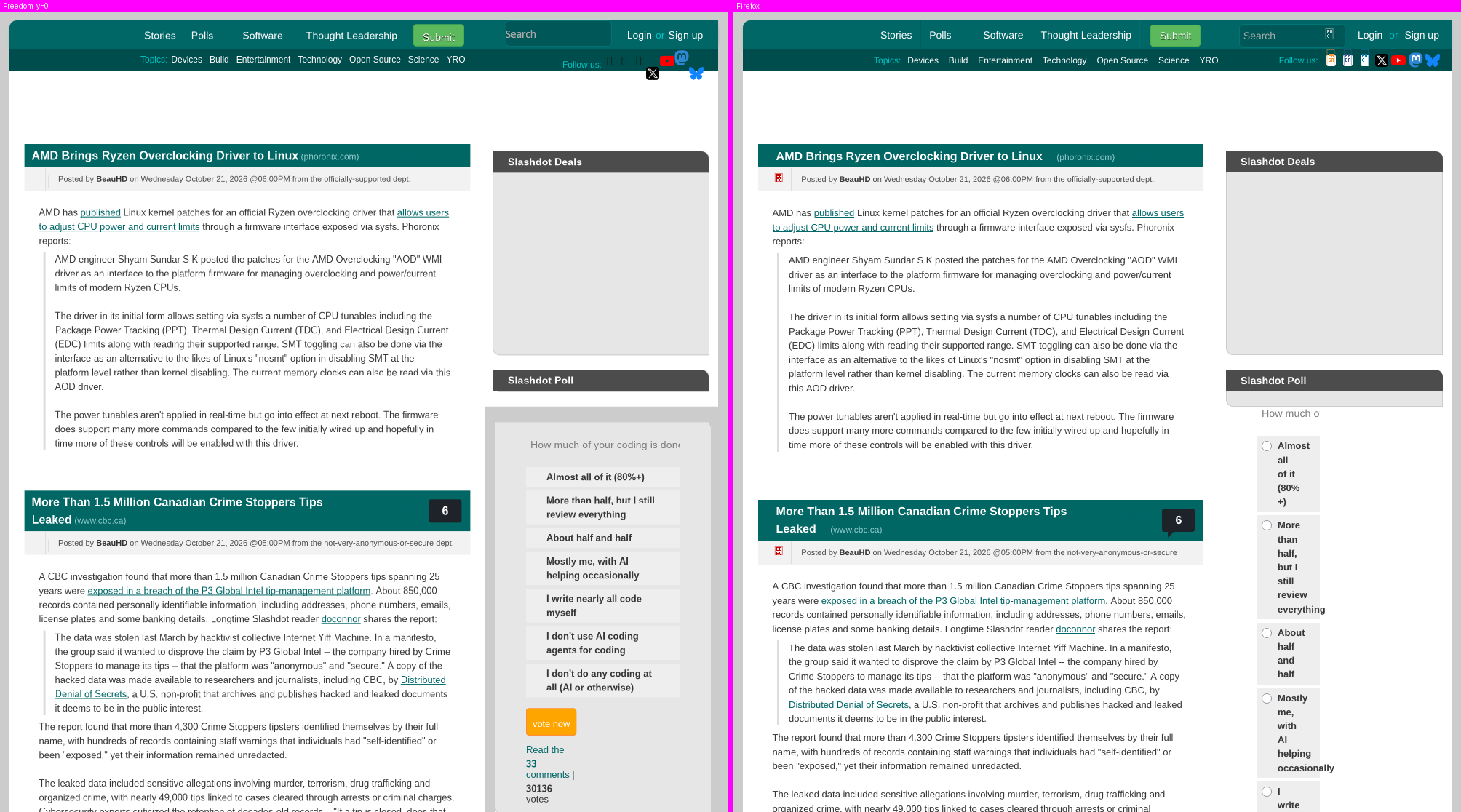
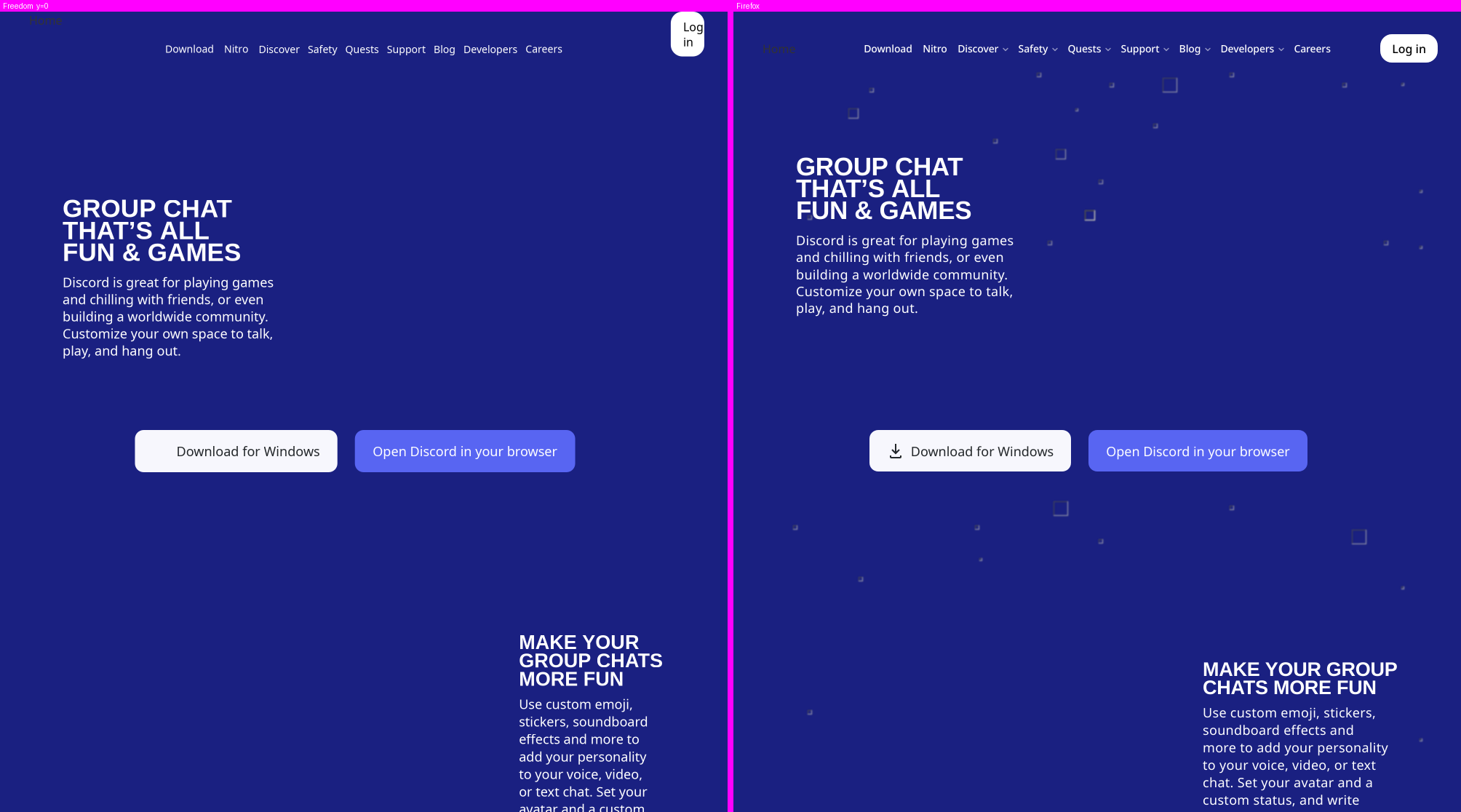
Each pair below was rendered headless at 1000 px wide from the same frozen snapshot of
the page. Both engines ran under the same rules: author CSS on, JavaScript off, no
third-party network. Each pair shows the top of the page; the number is the
make parity divergence (lower is better, 0 = identical geometry).
| Hacker News (3.04) | Wikipedia (3.57) |
|---|---|
 |
 |
| andreagrandi.it (3.01) | Hugging Face (5.67) |
 |
 |
| GitHub (2.85) | Slashdot (2.67): still the hardest page |
 |
 |
| Discord (2.96) | GitLab (2.48) |
 |
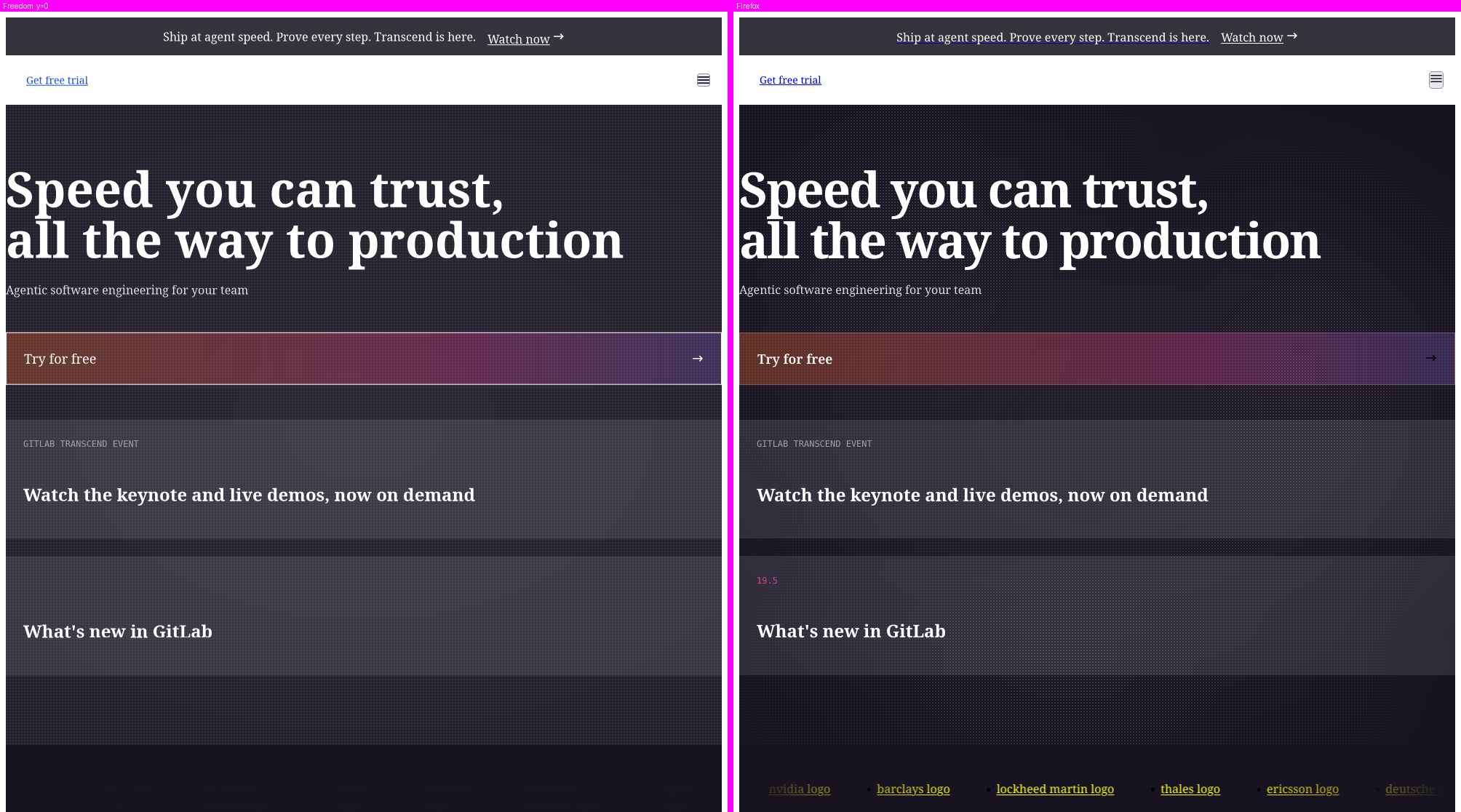 |
These images and scores are regenerated automatically by make fbench (tools/fbench.py) from build/parity/*.{fd,ff}.png. The
measurement method is in spec/parity.md.
Render time to idle
How long each browser takes from the navigation request until the page is painted and quiet
(median of 3). Freedom is measured in its real window (the GUI binary under a nested weston,
the same load and paint path a user’s session takes, not a headless mode); Firefox from its own
Performance Timeline (max(load event end, first contentful paint)), which is a lower bound of its
true idle time. Same frozen pages, same policy (author CSS on, JavaScript off, no third-party
network). Regenerated by make fbench; method in spec/parity.md.
| Page | Freedom (GUI) | Firefox | Freedom / Firefox | | :– | –: | –: | –: | | Wikipedia | 202 ms | 103 ms | 2.0x | | GitHub | 484 ms | 111 ms | 4.4x | | Slashdot | 120 ms | 50 ms | 2.4x |
Documentation
| Document | Contents |
|---|---|
| docs/USAGE.md | Building, headless tools (--dump-*), Freebug console, shortcuts, JS allowlist, Tor/I2P, host filtering, video debugging, Docker, MCP server |
| docs/FEATURES.md | Full feature list and the rendering-engine milestones in detail |
| docs/DEVELOPMENT.md | Fuzzing, project structure, CI/CD, security, make targets |
| CLAUDE.md | Working contract: principles, methodology (SDD + TDD), status and roadmap |
| spec/ | One specification per module (inputs, errors, security guarantees) |
| spec/threat-model.md | Assets, adversaries, trust boundaries and mitigations |
| SECURITY.md · CONTRIBUTING.md · CHANGELOG.md | Reporting, contributing, history |
| KNOWLEDGE_BASE.md | Generated architecture reference (see below) |
License
AGPL-3.0. See LICENSE.
For more information, visit the GitHub repository.




Ecosystem
- ReadMenator: Offline codebase analysis.
- Deploynator: Offline codebase deployer.
Knowledge Base
This project has been analyzed by ReadMenator,
a zero-token polyglot static analysis tool. Regenerate with
pip install readmenator && readmenator . --rebuild. Analysis outputs:
- KNOWLEDGE_BASE.md – Full architecture reference with all classes, functions, imports, dependency graphs, UML class diagrams, security audit findings, community analysis, taint paths, hotspots, cycles, and more.
- readmenator-agent/ – Agent-friendly, grep-optimized index.
INDEX.md– Quick reference: what each file doesSYMBOLS.md– Every symbol with file:lineARCHITECTURE.md– Internal dependency pairs + external importsAPI.md– Public function contractsGOTCHAS.md– Change warnings (blast radius, cycles, hotspots)SECURITY.md– Findings by severity with fix hintsMEMORY.md– Rules, workflow, style, deliverables, session logMANIFEST.json– Freshness (git_commit + source_fingerprint) + read orderKB_<subsystem>.md– Per-subsystem contextrecipes/*.md– Grounded task guides (add-function, fix-cycle, …)
- readmenator-wiki/ – Navigable wiki (start here for the big picture).
index.md– Entry point: overview, reading order, god nodes, connectionscommunity_*.md– One synthesis page per code communityconnections.json– Typed bridges between communitiesqueries.md– Suggested questions + answer logREPORT.md– Honest audit: coverage, confidence, limits
- readmenator-graphrag/ – Zero-token GraphRAG index.
index.json+REPORTS.md– Query withreadmenator . ask "<question>"
- readmenator-apidocs/ – API reference (Sphinx/Doxygen style).
index.md+modules/*.md– Signatures, parameters, returns, raises, examples, call graphsarchitecture.md– Tiered architecture + execution flows (control flow, call tree, sequence)classes.md,genindex.md,COVERAGE.md– Hierarchy, A-Z index, doc coverage + warningsindex.html+api/– Offline searchable browser and machine-readable model (api/index.json,api/modules/*.jsonlone entity per line)
- readmenator-maps/ – Interactive gallery (
index.html).- 5 system maps: architecture, workflow, sequence, dataflow, lifecycle
graph-force.html– Force-graph explorer (2D/3D, reach, paths, lenses)graph-bundle.html– Edge bundle explorer (circle + sphere)components.html– Component diagrams
- docs/ – Static site (GitHub Pages ready).
- Gallery copy +
llms.txt(agent entry point) +md/docs + video
- Gallery copy +
- readmenator-diagrams/ – Component diagrams.
analysis.json+graph LRmarkdown + per-component pages +index.html
- readmenator-rules/ – Suggested Semgrep rules (
*.yml),yara_rules.yar(YARA-lite) +exclusions.yaml(false-positive blocklist) - readmenator.mp4 – Cinematic synthwave overview video
- .cursorrules – Generated AI assistant rules
- readmenator_audit.sarif – SARIF v2.1.0 audit (when security scan is on)
Cache (.readmenator_cache/), packaged agent skills (.claude/skills/), and the
GitHub wiki mirror are also produced on run/--rebuild.
AI agents: Read readmenator-wiki/index.md first for the big picture, then readmenator-agent/INDEX.md for grep-friendly lookup.
Developers: Read KNOWLEDGE_BASE.md for full architecture reference, open readmenator-maps/index.html for the visual gallery.
Deployed with deploynator